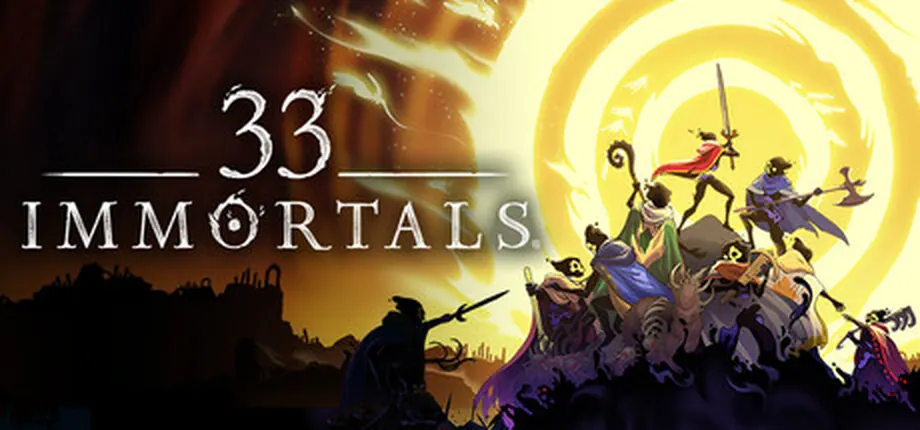
Quick answer: the 33 Immortals player count is a moving Steam snapshot
The 33 Immortals player count usually means concurrent Steam users at one moment. It changes continuously, so open the live Steam chart for the current figure; use this guide to interpret peaks, averages, platform coverage, and what the number can—and cannot—tell you.
The separate 33-player co-op number describes the intended scale of one run. It does not mean that exactly 33 people are online right now, and it does not tell you how many players are active across Steam, Epic, Xbox, or Game Pass. For the live figure, open a tracker such as SteamDB or SteamCharts. For the game's co-op structure, use the site's multiplayer guide instead.
This page does not freeze a single live number in the copy. A tracker can change before a reader arrives, and Steam data does not include every platform. Use the linked live chart for the timestamped value and this guide for context.
A current count is only one part of the picture. Compare it with the 24-hour peak and 30-day average, then check the chart's recent shape. A quiet hour may reflect time zones or a weekday; a brief spike may follow a patch, sale, or creator event. These comparisons help judge activity around your usual play time.
Use SteamDB or SteamCharts for the current concurrent count, and use the official Steam listing or the multiplayer guide for 33-player co-op capacity. Never use one live snapshot to declare that the game is dead or permanently healthy.
How to read the 33 Immortals player count
The phrase 33 Immortals player count can mean run capacity or the number of Steam users online now. This page covers the live-stat meaning; use the table to match each chart field to your question.
Trackers may briefly disagree because they refresh, cache, or sample at different times. That is normal for live data. Include the source and timestamp when quoting a count.
| Metric | What it answers | How to use it |
|---|---|---|
| Live players | How many Steam users the tracker sees right now | Best for a time-stamped current snapshot; it can change every minute. |
| 24-hour peak | The highest concurrent count in the last day | Shows the recent high point and is often more stable than the live number. |
| 30-day average | The typical concurrent level across a longer recent window | Better for judging normal activity than one quiet or busy minute. |
| All-time peak | The historical record for concurrent players | Useful context only; it is not a forecast or a current population. |
Why the number changes even when the game does not
A live count is a changing behavior signal, not a fixed product specification. Two checks minutes apart may differ. When comparing games, use matching time windows and metrics instead of treating every movement as a verdict.
Steam-only trackers do not show the entire player base. Crossplay can connect Steam, Epic, and Xbox players, but a public Steam chart does not combine every store. A low Steam count cannot prove nobody is playing elsewhere, and a high count cannot show how full a specific region or queue feels.
01
Time zones
A North American evening, a European afternoon, and an Asian morning can produce different concurrency patterns. Check the chart at the time you actually want to play.
02
Patches and events
A launch, balance patch, roadmap announcement, sale, or creator stream can create a short spike. Compare the peak with the following days before calling it a lasting change.
Active player count vs 33-player co-op capacity
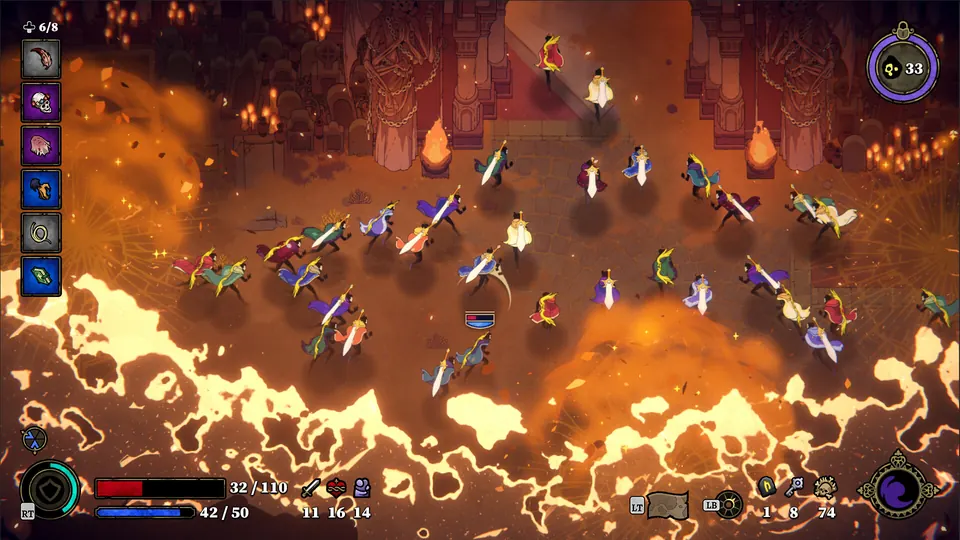
The most important boundary is simple: concurrent players and maximum players answer different questions. The official Steam positioning describes 33 Immortals as a large-scale co-op action roguelike built around 33-player runs. That is a design and matchmaking capacity statement. It is not a promise that every run will be full, and it is not a live Steam population counter.
The multiplayer guide covers party size, matchmaking, crossplay, revives, and 33-player raids. Use it for co-op questions; use this page for Steam activity, peaks, and trends.
Keeping these intents separate helps readers find the right answer: this page focuses on live-stat terms, while the multiplayer guide explains co-op capacity.
| Term | Meaning | Boundary |
|---|---|---|
| Concurrent players | Steam users playing at the sampled moment | Steam-focused and time-sensitive. |
| 33-player co-op | The intended maximum scale of a run | A game-capacity and matchmaking concept. |
| Party size | The friends you coordinate with before or inside a run | Not the same as the global raid population. |
How to read a Steam chart without overclaiming
Match the chart metric to your question. For tonight's matchmaking, check the live value and daily peak near your play time. To judge broader activity, compare the 30-day average with the recent trend. Use the all-time peak as historical context, not as a direct comparison with a current minute.
The illustration below is an AI-generated editorial explanation, not a live Steam screenshot and not official 33 Immortals artwork. It uses a rising and falling activity line to reinforce the main idea: concurrency is a moving curve. The facts and source links remain in the HTML text and the linked trackers, not inside the image.
Step 1
Start with the timestamp
Write down the date, time zone, source, and visible value before quoting it. Without a timestamp, a live number quickly becomes misleading.
Step 2
Compare the 24-hour peak
The peak shows whether your snapshot is close to the day's high or sitting in a quieter period.

Where to check the current number
Use a live tracker for a current snapshot and keep the official Steam page nearby for the game's own capacity and store information. A tracker is a measurement aid, not an official statement that replaces developer announcements. If the numbers disagree, keep the timestamped source visible instead of hiding the disagreement.
For a community-facing answer, the safest wording is usually: “SteamDB showed X concurrent players at [time] UTC; the live value changes.” That sentence preserves the source boundary and avoids turning a temporary count into a claim about every platform or every region.
- SteamDB charts. Open the live chart for the current count, 24-hour peak, longer averages, and historical graph.
- SteamCharts. Use it as a second public tracker for live activity, recent peaks, monthly averages, and historical context.
Limits of 33 Immortals Steam Charts data
- A live number becomes historical as soon as the page refreshes; always keep the check time with a quoted value.
- Steam trackers do not automatically show the combined player population across Steam, Epic, Xbox, and Game Pass.
- Global concurrent players do not guarantee a specific region, activity, difficulty, or matchmaking queue will be full.
- A short spike after a patch or sale does not prove a permanent trend; compare several days or a longer average.
- An all-time peak is useful historical context but says nothing precise about tonight's queue.
- Third-party statistics are not a substitute for official support, patch notes, store pages, or developer announcements.
33 Immortals Steam Charts FAQ
What is the current 33 Immortals player count?
It changes continuously. Open the linked SteamDB or SteamCharts page for the live Steam snapshot, and record the time and source if you need to quote it. This page includes a dated example, not a permanent current number.
How many people are playing 33 Immortals right now?
A tracker can show how many Steam users it sees at the moment of sampling. It cannot automatically include every player on Epic, Xbox, or Game Pass, and the value can change between page loads.
Does 33-player co-op mean 33 players are online?
No. 33-player co-op describes the intended scale of one run. It is different from the live number of concurrent Steam users and from the size of your friend party.
Why doesn't this guide print one fixed 33 Immortals player count?
Because a live concurrent total changes continuously and a copied number becomes stale quickly. Use the linked SteamDB chart for the timestamped value, then use this guide to understand peaks, averages, platform limits, and raid capacity.
Does a low Steam player count mean matchmaking is empty?
No. A low concurrent count is one timestamped view of Steam activity, not the total population across platforms or a guarantee about a particular region or queue. Check the live chart at the time you need and read its measurement window. The 33-player raid capacity describes one run, not the number of people currently online.
Sources checked
- SteamDB 33 Immortals charts — Live Steam activity, recent peaks, averages, and historical chart context; values change.
- SteamCharts 33 Immortals — Second public tracker for concurrent players and recent historical averages.
- Official 33 Immortals Steam listing — Official product, co-op capacity, platform, store, and system information.
- Thunder Lotus 33 Immortals FAQ — Official support context for multiplayer and platform questions; check it again when the game changes.